接入社交媒体三方平台-Twitter篇

社交媒体三方平台

Twitter

接入前准备流程

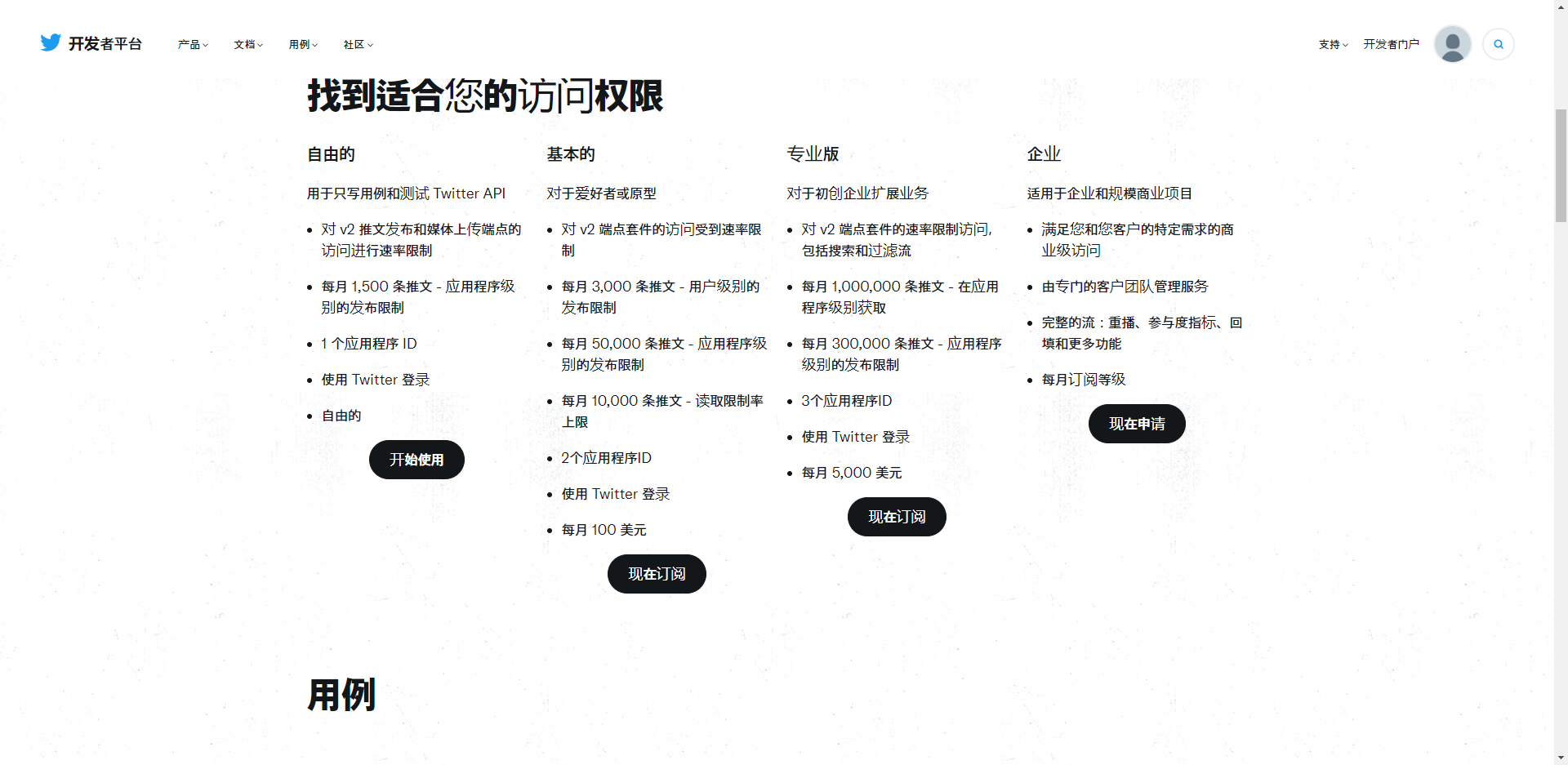
  1. 申请Twitter账号,访问开发者平台并点击订阅
  2. 订阅选择套餐,此处为了演示我选择免费套餐.套餐如下图

img_6.png

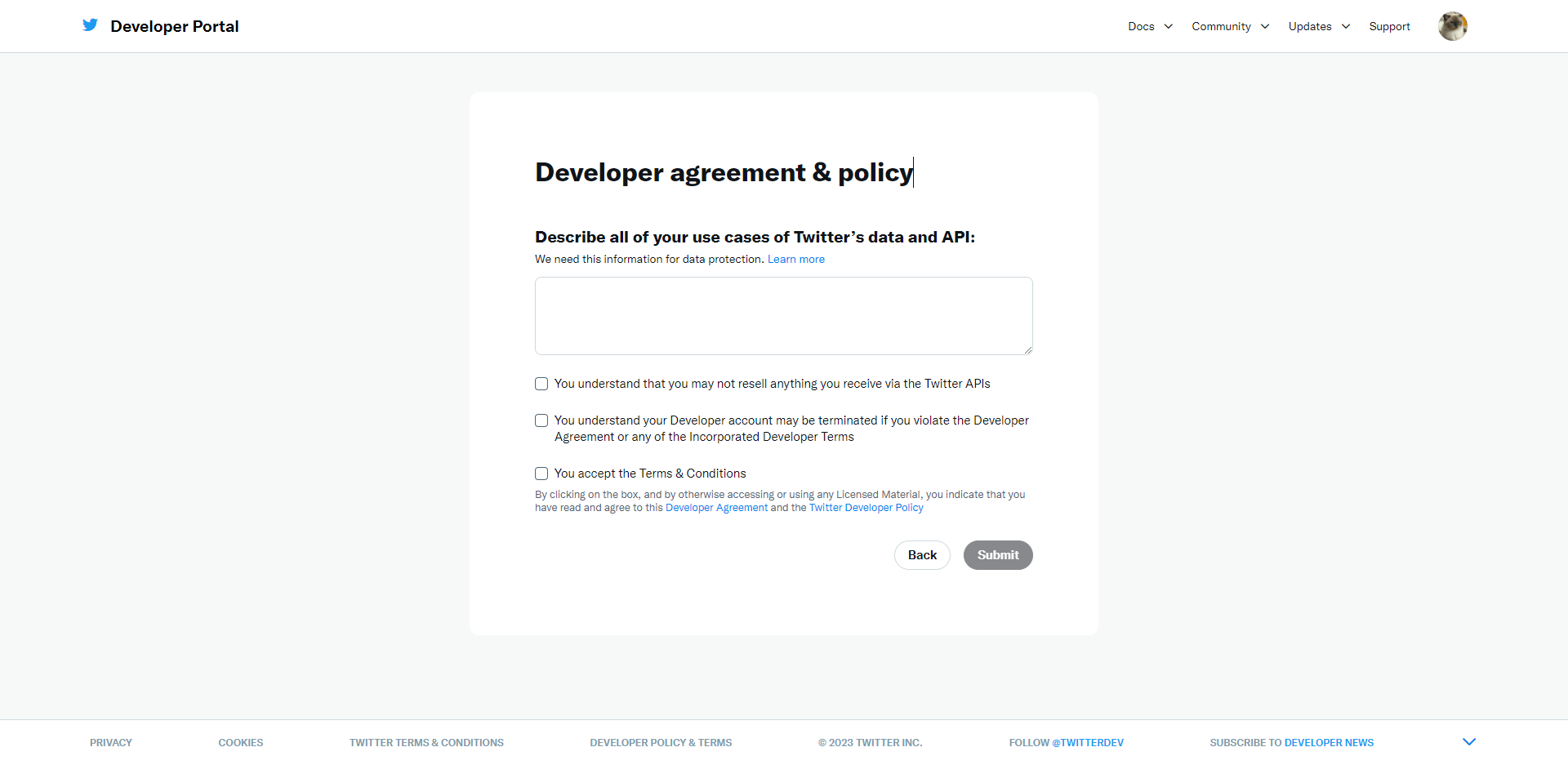
  1. 填写描述信息,点击提交

img_7.png

参考示例:

1
2
3
4
As a platform developer, my use cases of Twitter's data and API include integrating real-time tweets into applications,
allowing users to view and interact with trending topics, hashtags, and user profiles. Additionally, I leverage the API to enable users to post tweets, 
schedule tweets, and access their timelines. Analyzing user sentiment, engagement metrics, and trending content helps optimize content strategies.
I also utilize Twitter's data to gather insights for research and sentiment analysis. Ensuring compliance with Twitter's data usage policies and user privacy is a priority in all use cases.
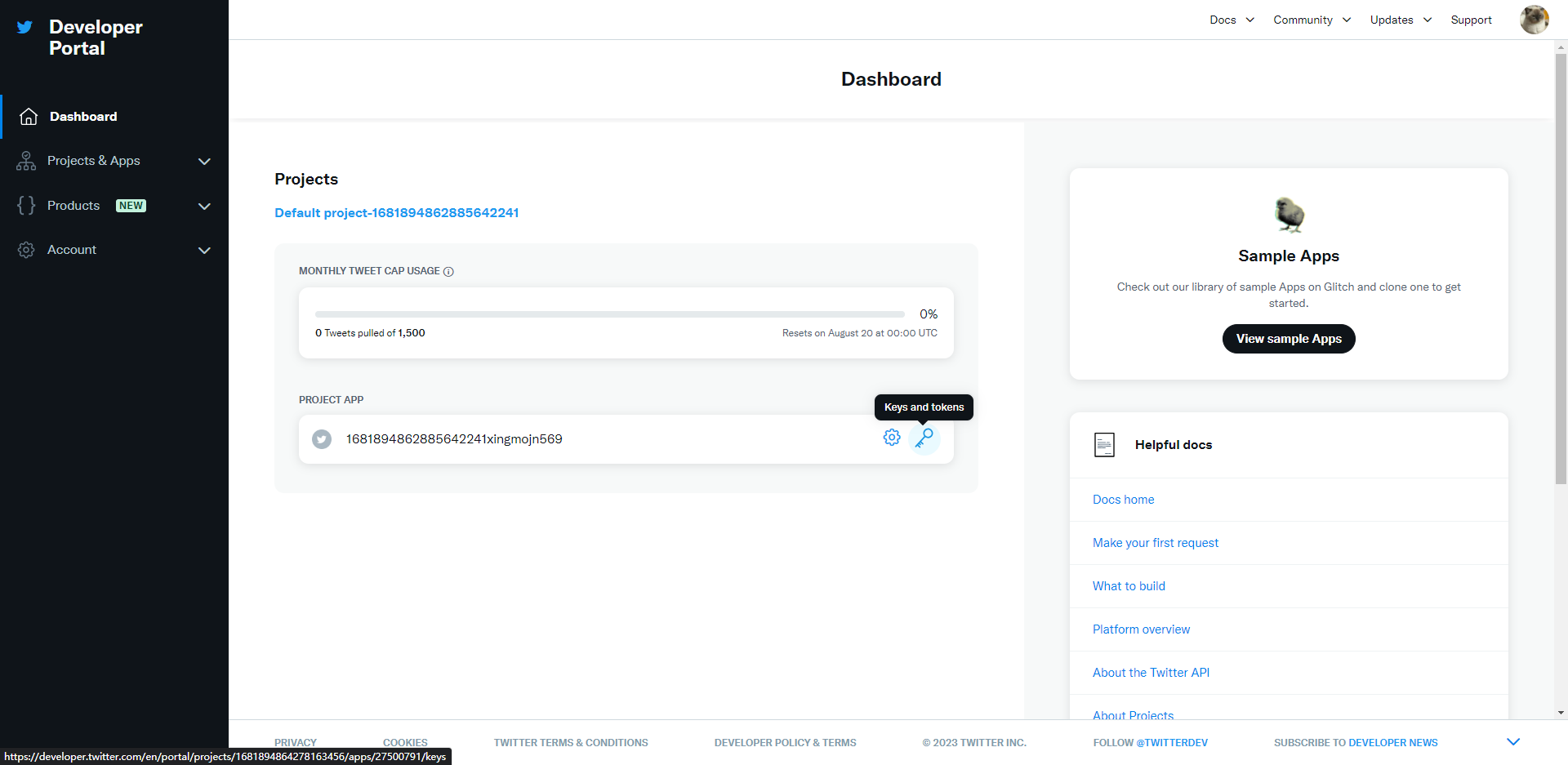
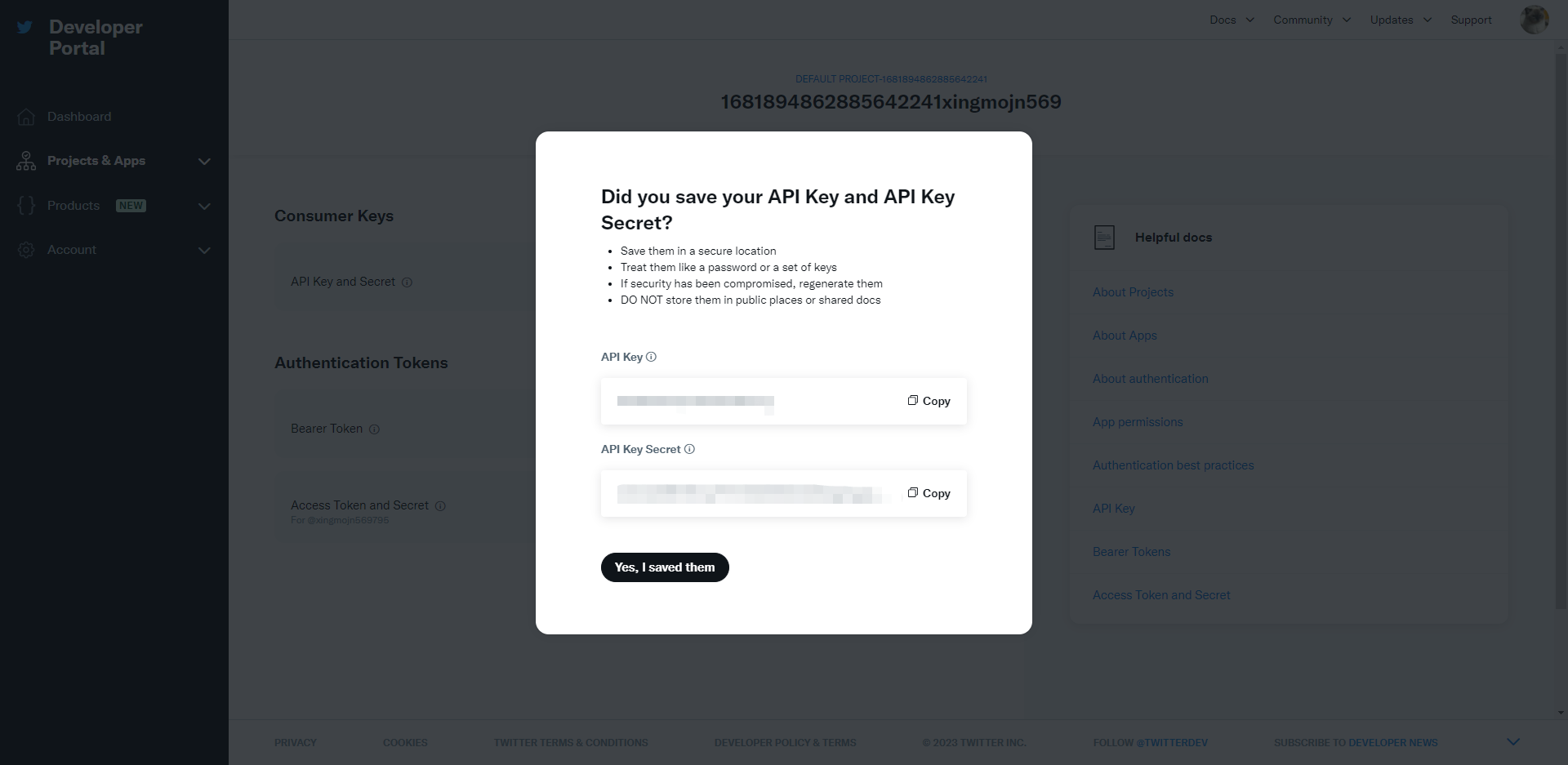
  1. 点击Keys and tokens,Regenerate重新生成API KeyAPI Key Secret,保存下来

img_8.png

img_9.png

  1. 点击User authentication settings模块下的Set up按钮,配置Twitter授权登录的必填信息
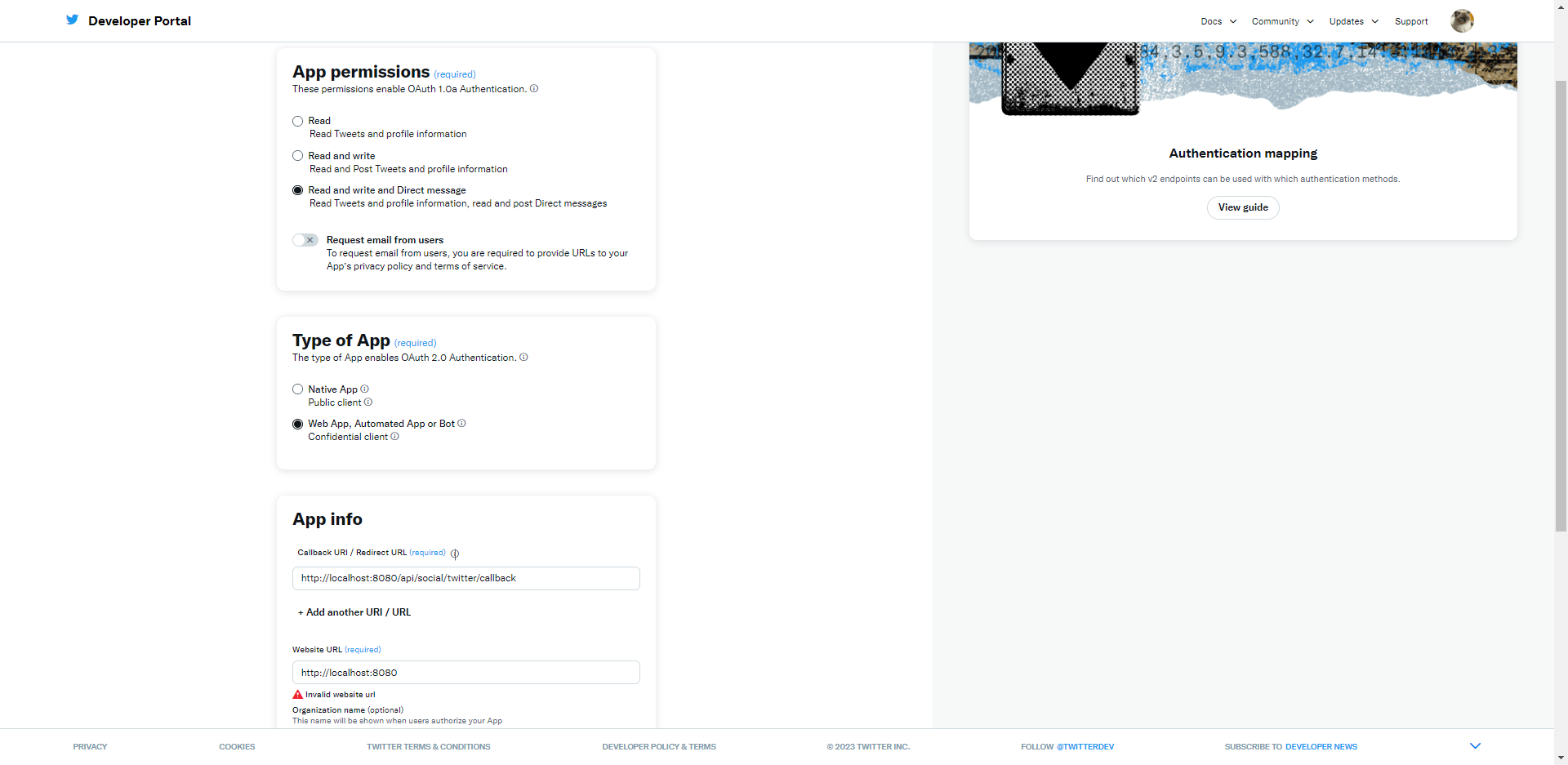
img_10.png

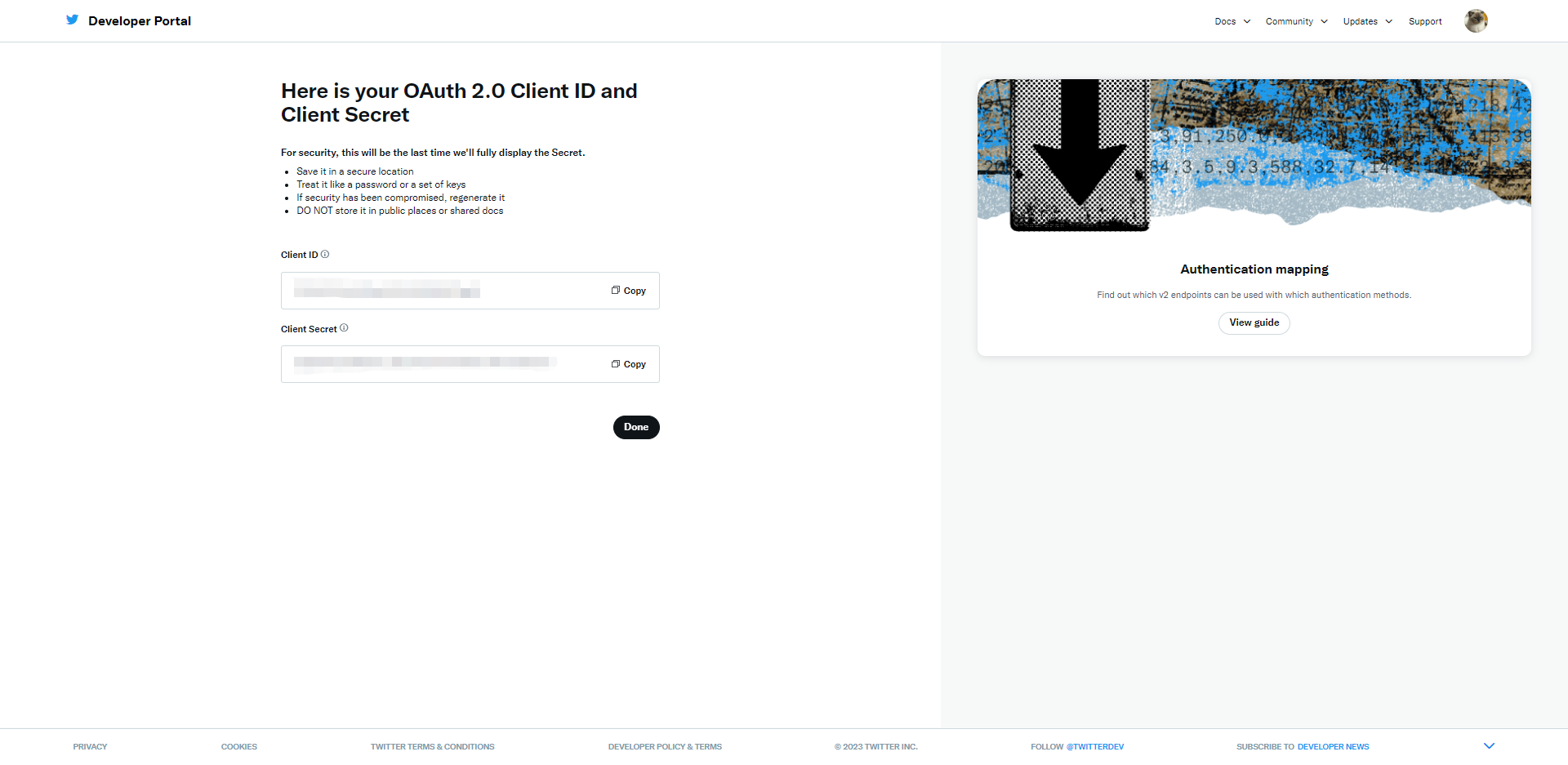
  1. 保存后会生成Client IDClient Secret,保存下来

img_11.png

接入工作

  1. 导入Twitter API依赖
1
2
3
4
5
6
<!--twitter-->
<dependency>
    <groupId>org.twitter4j</groupId>
    <artifactId>twitter4j-core</artifactId>
    <version>4.1.2</version>
</dependency>
  1. 参考Twitter API官方文档和twitter4j编写代码
  • 创建授权凭据
1
2
3
4
5
6
7
8
9
ConfigurationBuilder cb = new ConfigurationBuilder();
cb.setDebugEnabled(true)
        .setOAuthConsumerKey(CONSUMER_KEY)
        .setOAuthConsumerSecret(CONSUMER_SECRET)
        .setOAuthAccessToken(ACCESS_TOKEN)
        .setOAuthAccessTokenSecret(ACCESS_TOKEN_SECRET);

TwitterFactory tf = new TwitterFactory(cb.build());
Twitter twitter = tf.getInstance();
  • 访问API接口
 1
 2
 3
 4
 5
 6
 7
 8
 9
10
11
12
/**
 * 获取用户时间线
 */
User user = twitter.verifyCredentials();
System.out.println("Welcome, @" + user.getScreenName() + "!");

Paging paging = new Paging(1, 10); // Get the first 10 tweets on the user's timeline
ResponseList<Status> timeline = twitter.getUserTimeline(paging);

for (Status status : timeline) {
    System.out.println(status.getText());
}